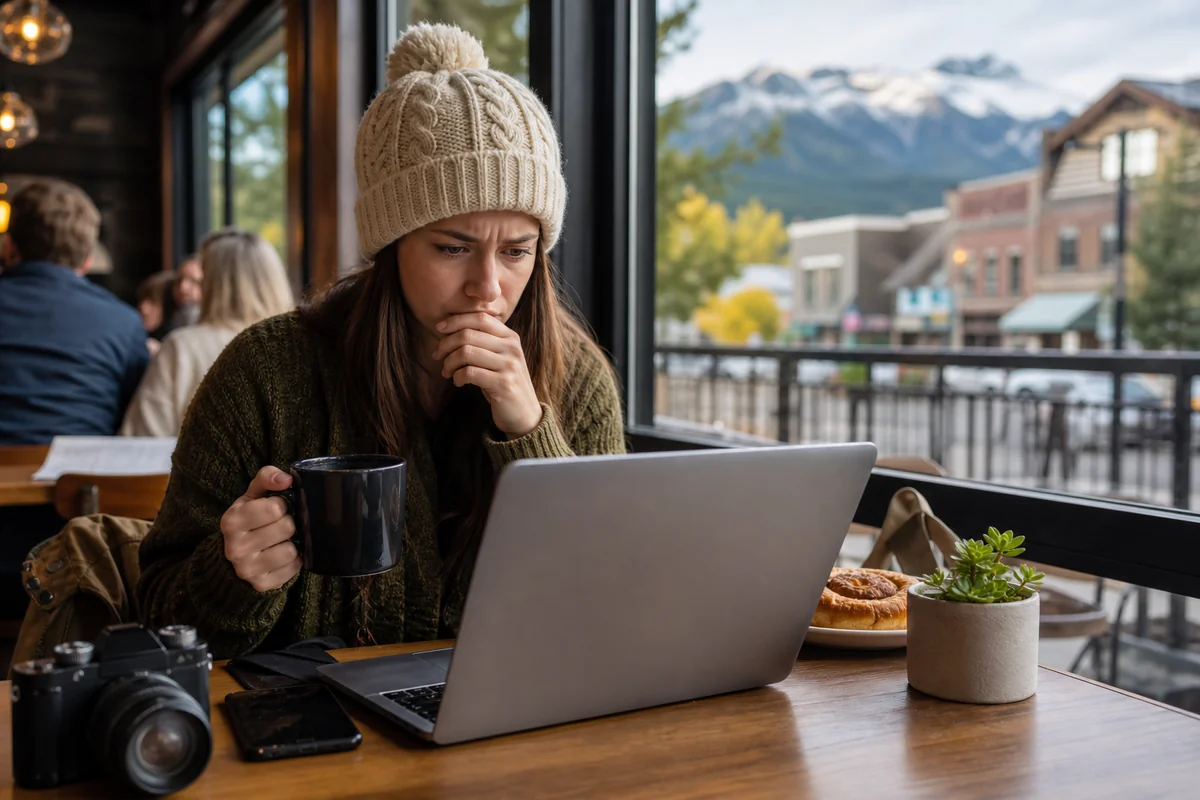
I was sitting in a crowded coffee shop in Whitefish last September, trying to book a campsite at Glacier National Park, when I noticed something unsettling on my laptop.
My banking app had sent me a security alert—someone was attempting to access my account from an unfamiliar device. That’s when it hit me: I’d been using unsecured public WiFi for three days straight without a second thought.
That experience changed how I approach Montana travel tips entirely. After years of exploring Big Sky Country, I’ve learned that having a reliable VPN isn’t just a nice-to-have—it’s essential for any modern traveler who wants to stay connected and protected in Montana’s remote corners.
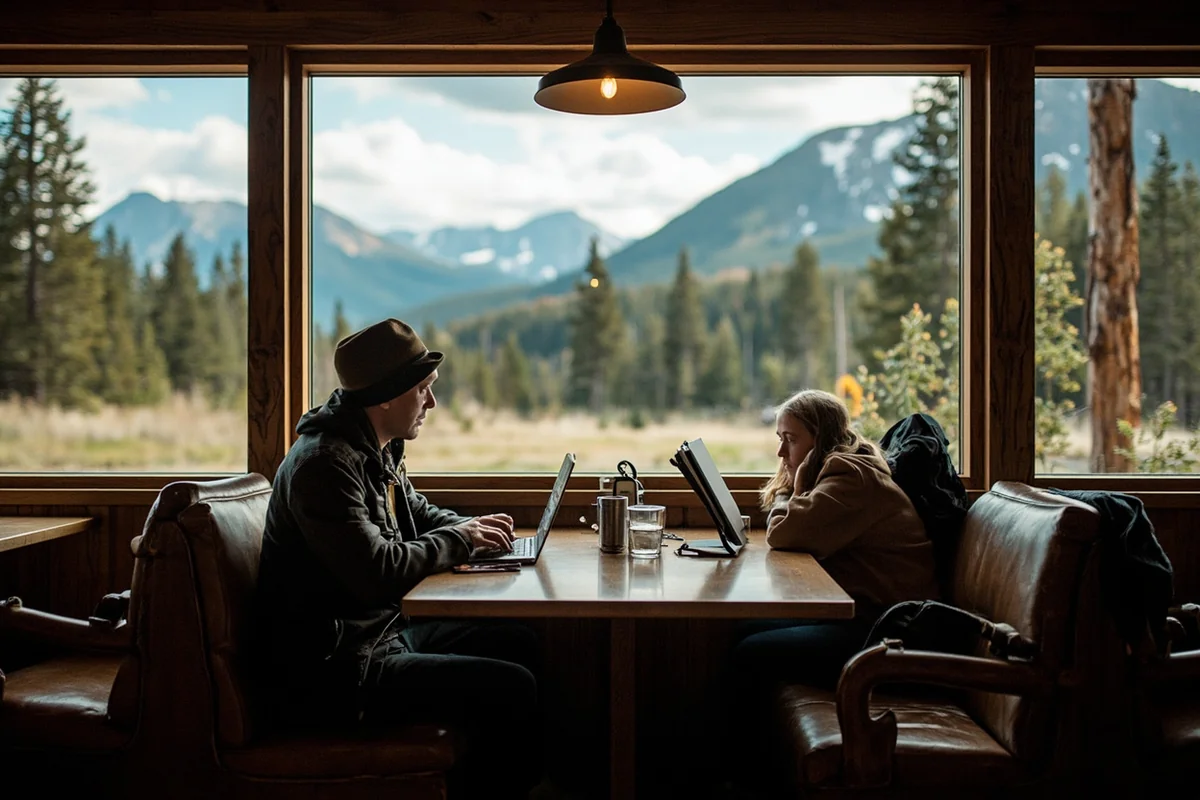
- Montana’s limited WiFi options make VPN protection crucial for travelers using public networks at lodges, cafes, and visitor centers
- Top VPN picks: NordVPN (best overall), ExpressVPN (fastest speeds), Surfshark (best budget option), and ProtonVPN (best free tier)
- VPNs help access geo-restricted streaming, secure banking transactions, and maintain privacy on shared networks
- Download and test your VPN before arriving—cell coverage is spotty and you may not be able to set it up remotely
- Some Montana WiFi networks actively block VPN connections, so choose a provider with obfuscation features
Liked this article?
Add Roaming Montana as a preferred source so you see more of our articles and guides on Google.
Why You Actually Need a VPN When Visiting Montana
Let me be honest with you: I used to think VPNs were overkill for domestic travel. I figured Montana, being part of the US, wouldn’t present any digital security concerns worth worrying about.
I was wrong, and that Whitefish incident was my wake-up call.
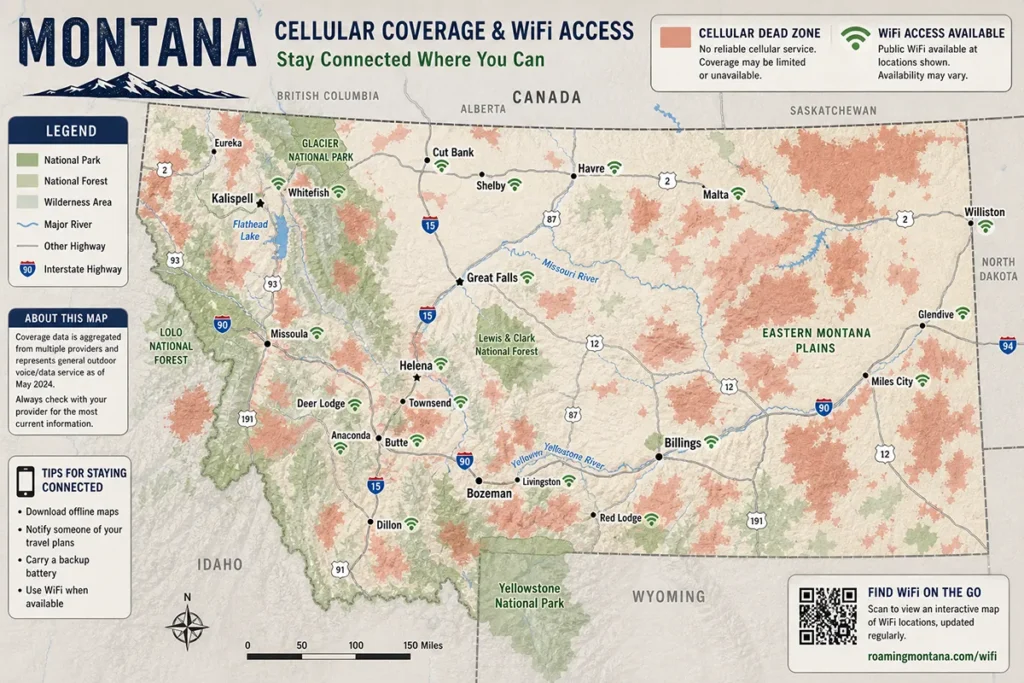
Montana presents unique digital challenges that most travelers don’t anticipate. The state’s vast wilderness means you’ll frequently rely on whatever WiFi is available—and that often means unsecured networks at small-town motels, ranger stations, or the one restaurant in a 50-mile radius.
During my road trip through eastern Montana last summer, I counted no fewer than twelve different public WiFi networks I connected to over a two-week period. Gas stations in Jordan, the public library in Glendive, a campground near Makoshika State Park—each one represented a potential security risk.
The cell coverage situation in Montana compounds this problem significantly. When your cellular data drops out (which it will, frequently), you become dependent on WiFi networks you know nothing about.
The Real Security Threats I’ve Encountered
I’m not trying to be alarmist here, but I want to share what I’ve actually experienced and observed while traveling through Montana.
During a stay at a small lodge near the Bob Marshall Wilderness in 2022, I watched another guest complain to the front desk that his credit card had been compromised.
He’d been using the lodge WiFi to make online purchases all week. Coincidence? Maybe. But the lodge’s network was completely unsecured—no password, no encryption, nothing.
Another time, at a popular coffee shop in Bozeman, I ran a simple network scan out of curiosity. I could see every device connected to that network, including what appeared to be other travelers’ phones and laptops. If I could see them, so could anyone else with basic technical knowledge.
Public WiFi networks in tourist-heavy areas are prime targets for what security experts call “man-in-the-middle” attacks. These are especially common in places where travelers are constantly checking bank accounts, booking accommodations, and making purchases.
My Top VPN Recommendations for Montana Travel
I’ve tested numerous VPN services during my Montana trips over the past three years. Here’s what I’ve found actually works in the field, not just what looks good on paper.
NordVPN: My Go-To Choice for Montana
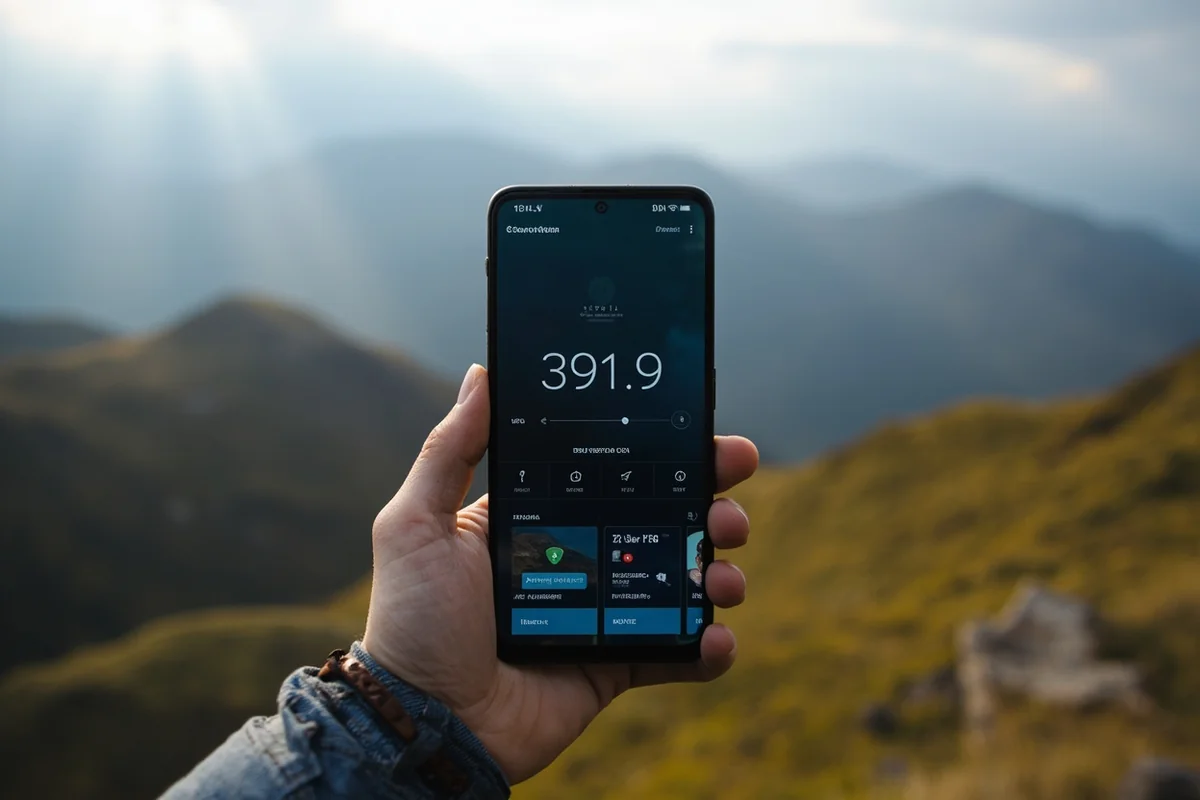
NordVPN has been my primary VPN for the past two years, and it’s earned that spot through consistent performance in Montana’s challenging connectivity environment.
What sets NordVPN apart for Montana travel specifically is its server network. With over 5,000 servers worldwide and excellent US coverage, I’ve never had trouble finding a fast connection, even when the underlying WiFi was struggling.
During my visit to Helena last fall, the hotel WiFi was crawling at maybe 5 Mbps. With NordVPN connected to a Denver server, my speeds actually improved slightly, and I was able to stream my shows without buffering. That’s not always the case with VPNs—many will slow your connection noticeably.
NordVPN’s “Threat Protection” feature has also blocked several suspicious websites I nearly clicked on while researching hiking trails. Montana-related searches sometimes lead to sketchy outdoor gear sites, and having that extra layer of protection is reassuring.
The mobile app works flawlessly on both iPhone and Android. I particularly appreciate the quick-connect feature when I’m jumping between WiFi networks multiple times a day.
Pricing runs about $12.99/month if you pay monthly, but drops to around $3.99/month with a two-year commitment. For serious travelers, the annual plan makes financial sense.
ExpressVPN: Fastest Speeds for Streaming
If your Montana trip involves any significant streaming—maybe you’re watching wildlife documentaries in your cabin after a day of exploring—ExpressVPN delivers the fastest consistent speeds I’ve tested.
I used ExpressVPN extensively during a two-week stay in a vacation rental near Flathead Lake. The property had decent WiFi, but streaming services would buffer constantly. ExpressVPN’s Lightway protocol somehow smoothed everything out.
The downside? It’s expensive. At $12.95/month even on annual plans, it’s one of the pricier options. But you’re paying for premium performance and a dead-simple interface that even technophobic travel companions can figure out.
ExpressVPN also excels at bypassing geo-restrictions, which matters if you’re a Canadian or international visitor trying to access your home streaming services while in Montana.
Surfshark: Best Value for Budget Travelers
If you’re trying to visit Montana on a budget, Surfshark offers the best combination of features and affordability I’ve found.
At roughly $2.49/month on a two-year plan, Surfshark costs less than a fancy coffee in Missoula. But here’s what really sets it apart: unlimited simultaneous connections.
Traveling with family? Everyone can protect their devices under one account. During a trip with my partner and her parents last spring, we had six devices—phones, tablets, laptops—all connected to Surfshark simultaneously. Try that with most other VPNs and you’ll hit connection limits.
Surfshark’s CleanWeb feature blocks ads and trackers, which noticeably improved page load times on Montana’s slower WiFi networks. When you’re working with limited bandwidth, every byte counts.
The speeds aren’t quite as fast as NordVPN or ExpressVPN, but for general browsing, email, and occasional streaming, Surfshark handles everything capably.
ProtonVPN: Best Free Option That Actually Works
I’m generally skeptical of free VPNs. Most are either harvesting your data or so slow they’re unusable. ProtonVPN’s free tier is the exception.
Based in Switzerland with strong privacy laws, ProtonVPN offers a genuinely usable free version. Yes, it’s limited—you get access to servers in only three countries and can’t stream or torrent. But for basic browsing security on Montana’s public WiFi networks, it works.
I keep ProtonVPN installed as a backup option and have used it several times when my primary VPN subscription lapsed mid-trip. The speeds are adequate, and the connection is stable.
If you upgrade to their paid plan (around $4.99/month annually), you unlock faster servers and streaming capabilities that rival the bigger players.

VPN Comparison Table for Montana Travelers
| VPN Service | Best For | Monthly Cost | Devices | Montana Performance |
|---|---|---|---|---|
| NordVPN | Overall protection | $3.99-$12.99 | 6 | Excellent |
| ExpressVPN | Streaming speed | $8.32-$12.95 | 5 | Excellent |
| Surfshark | Budget/families | $2.49-$12.95 | Unlimited | Good |
| ProtonVPN | Free option | $0-$4.99 | 1-10 | Good |
| Private Internet Access | Advanced users | $2.19-$11.95 | 10 | Good |
Where You’ll Actually Use a VPN in Montana
Understanding where you’ll need VPN protection helps you plan accordingly. Based on my extensive travels through the state, here are the most common scenarios.
Hotels and Lodges
Montana’s accommodation scene ranges from luxury resorts to rustic cabins, and WiFi security varies wildly across that spectrum.
At places like the Lake McDonald Lodge in Glacier National Park, you’ll find WiFi that’s technically secured but shared among hundreds of guests. That “security” is mostly theater—anyone with the posted password has the same access to the network as you.
Smaller mom-and-pop motels often have completely open networks. I stayed at a wonderful family-run place in Philipsburg last winter that had excellent hospitality but absolutely no concept of network security.
Even upscale resorts can present risks. During a stay at a Whitefish ski lodge, I noticed the WiFi login portal wasn’t using HTTPS. That means my login credentials were being transmitted unencrypted before I even got online.
A VPN bypasses all these concerns by creating an encrypted tunnel regardless of the underlying network’s security.
Coffee Shops and Restaurants
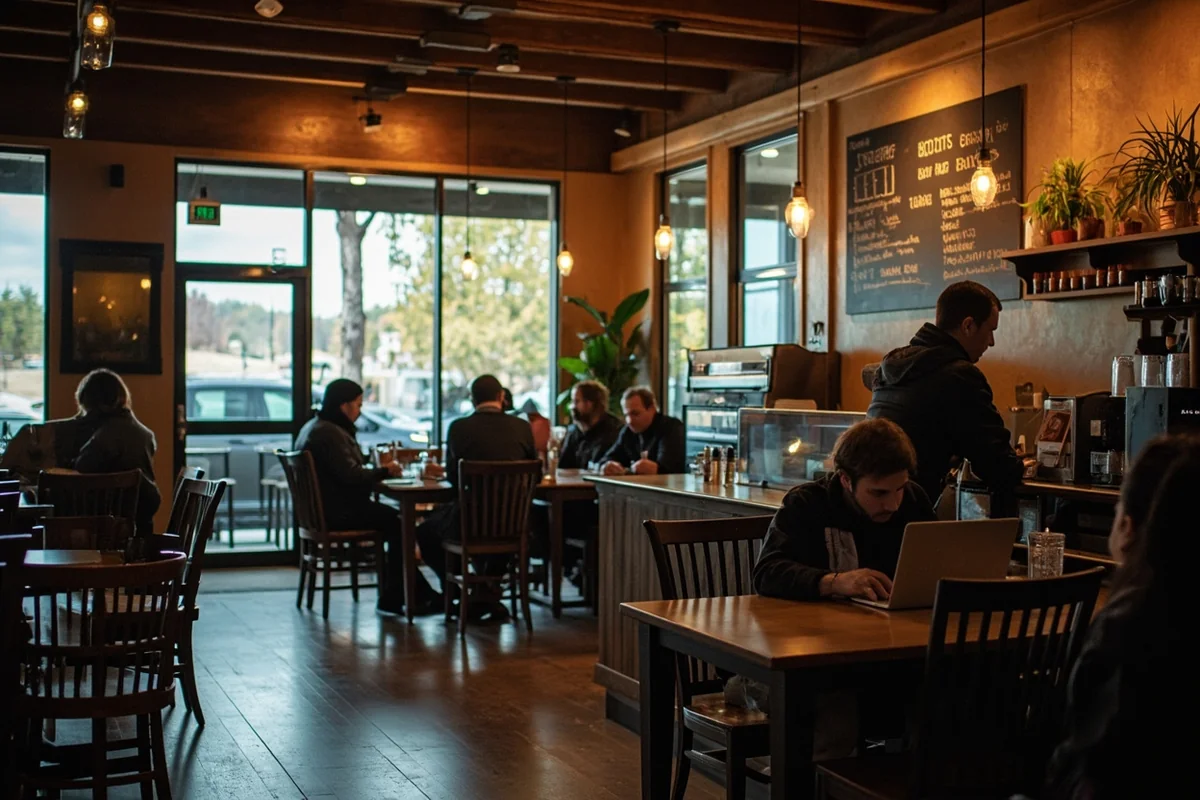
Montana’s coffee culture has exploded in recent years, and cafes have become de facto offices for remote workers and travelers alike.
Places like Catalyst Cafe in Missoula, Wild Joe’s Coffee in Bozeman, and the Montana Coffee Traders locations throughout the state all offer free WiFi. They’re also exactly the kind of places where a hacker might set up shop.
I do some of my best trip planning in these cafes—researching trails, booking accommodations, checking weather conditions. All of that activity generates data I’d rather keep private.
Visitor Centers and Libraries
When cell service fails (and it will), public libraries and visitor centers become connectivity lifelines.
The public library in Kalispell saved my bacon once when I needed to download offline maps before heading into the Mission Mountains. Their WiFi was fast and free—but also completely open to anyone who walked in.
National Park visitor centers usually offer WiFi too, though it’s often slow and crowded with tourists all trying to upload their photos simultaneously. A VPN can help with privacy but won’t make a congested network faster.
Campgrounds and RV Parks
Private campgrounds increasingly offer WiFi as an amenity, though quality varies from “surprisingly good” to “why did they even bother.”
KOA campgrounds throughout Montana generally have decent WiFi infrastructure, but you’re sharing that network with potentially hundreds of other campers. During peak summer season at the Glacier KOA, I counted over 200 devices on the network.
State park campgrounds sometimes have WiFi at the camp office or registration area. It’s usually better than nothing, but not by much.
Setting Up Your VPN Before You Travel
Here’s something I learned the hard way: don’t wait until you arrive in Montana to set up your VPN.
On a trip two years ago, I realized I’d forgotten to renew my VPN subscription as I was driving through the Missouri River Breaks—an area with essentially zero cell coverage. I couldn’t download, install, or configure anything until I reached Great Falls hours later.
Before your trip, take these steps:
Download and install your VPN app on all devices. This includes phones, tablets, and laptops you plan to bring. Check out our Montana trip packing list for other essential tech items.
Test the VPN on your home network. Make sure it connects properly and you understand the interface.
Enable auto-connect features. Most VPNs can automatically activate whenever you join a new WiFi network.
Download offline apps and maps. Your VPN can’t help you if there’s no internet connection at all.
Save your VPN login credentials somewhere accessible offline. If you need to reinstall, you don’t want to depend on email access to retrieve your password.
Dealing with VPN Blocks in Montana
Some Montana WiFi networks actively block VPN connections. I’ve encountered this at a few hotels and one coffee shop that apparently decided VPNs were being used to access inappropriate content.
If you run into this issue, here are workarounds that have worked for me:
Switch VPN protocols. If your standard connection fails, try changing from OpenVPN to WireGuard or vice versa. NordVPN and ExpressVPN make this easy in their settings.
Use obfuscation mode. NordVPN calls this “obfuscated servers,” Surfshark calls it “camouflage mode.” It makes your VPN traffic look like regular HTTPS traffic, bypassing most blocks.
Try different ports. Some VPNs let you manually select which port to use. Port 443 (standard HTTPS) usually works when others are blocked.
Use mobile data instead. If you have decent cell signal, you might not need the WiFi at all—though cellular data does use your plan’s allocation.
Privacy Considerations Unique to Montana
Montana has some of the strongest state-level privacy protections in the US, which might make you wonder if you even need a VPN within state borders.
While Montana’s constitution explicitly protects privacy rights, that doesn’t extend to what happens on private WiFi networks or through your internet service provider. The data you transmit over someone else’s network isn’t protected by state law.
Additionally, the federal government can still access internet records through various legal mechanisms. If maintaining privacy from government surveillance matters to you, a VPN with a strict no-logs policy (like NordVPN or ExpressVPN) provides an additional layer of protection.
This matters more than you might think. Montana has a strong libertarian streak, and many travelers I’ve met here specifically value their digital privacy alongside the state’s famous wide-open spaces.
Using VPNs for Streaming in Montana
Let’s talk about something practical: watching your shows after a long day of exploring.
Montana evenings get dark early in winter and late in summer (sometimes not until 10 PM), but either way, you’ll likely want to unwind with some entertainment.
The problem? Not all streaming services work everywhere, and some content is geo-restricted based on your IP address.
With a VPN, you can:
Access your full streaming library. Connect to a server in your home region to see all the content available there.
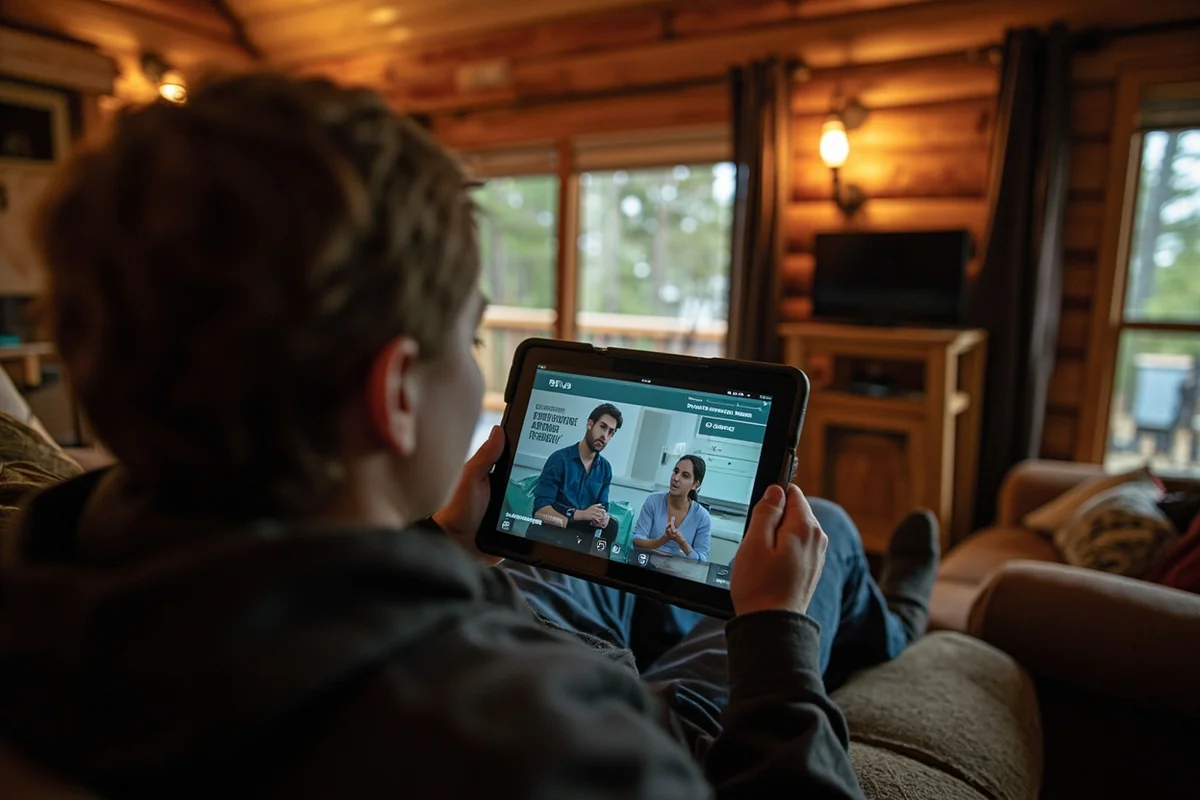
Bypass hotel WiFi throttling. Some accommodations deliberately slow certain traffic types. A VPN hides what you’re doing.
Watch sports with local blackouts. MLB, NHL, and other leagues black out games based on your location. A VPN lets you appear to be elsewhere.
I’ve used ExpressVPN successfully with Netflix, Hulu, Disney+, and Amazon Prime throughout Montana. NordVPN works equally well. Surfshark can be hit-or-miss with some services.
One important note: using VPNs to circumvent geo-restrictions technically violates most streaming services’ terms of service. They rarely enforce this against individual users, but it’s worth knowing.
VPN Uses Beyond Security
While security is my primary reason for using a VPN in Montana, I’ve discovered several other practical applications.
Getting Better Prices on Bookings
Airlines and hotels sometimes show different prices based on your perceived location. Before booking flights, I’ll often check prices while connected to VPN servers in different cities.
Understanding why flights to Montana are expensive is one thing, but finding ways to reduce those costs is another. I can’t guarantee VPN price comparison will save you money, but I’ve seen price differences of $50-100 on flights to Bozeman just by checking from different virtual locations.
Avoiding Dynamic Pricing
Rental car companies and online retailers use your browsing history to adjust prices. Clear your cookies and connect through a VPN, and you’ll often see lower prices than after repeated searches from the same IP address.
Accessing Work Resources
If you’re combining Montana travel with remote work, you may need VPN access to corporate systems anyway. Running a personal VPN underneath your work VPN can provide an extra security layer, though check with your IT department about policies.
What About Free Public VPNs?
You might see free VPN services advertised or encounter browser-based VPNs that promise protection without installation. My advice: avoid them entirely.
Free VPNs have to make money somehow, and that usually means:
Selling your data. The very thing you’re trying to protect becomes their product.
Injecting ads. Some free VPNs insert advertisements into your browsing.
Limited security. Free services often use outdated encryption or maintain logs of your activity.
Malware distribution. Some “free VPNs” are actually malware in disguise.
The one exception I mentioned—ProtonVPN’s free tier—works because it’s funded by their paid subscribers and the broader Proton ecosystem. Even then, I’d upgrade to paid for any extended trip.
Additional Montana Travel Considerations
Digital security is just one aspect of trip planning. Here are some related resources that will help you prepare:
Before you finalize your itinerary, check current Montana travel restrictions and understand how much your trip might cost.
Safety extends beyond digital concerns. Read up on whether Montana is safe to visit and if the tap water is safe to drink.
Planning your travel timing? Our guide on how long it takes to get to Montana helps with logistics.
For unique experiences, check out whether you can see the Northern Lights and monitor conditions using Montana webcams.
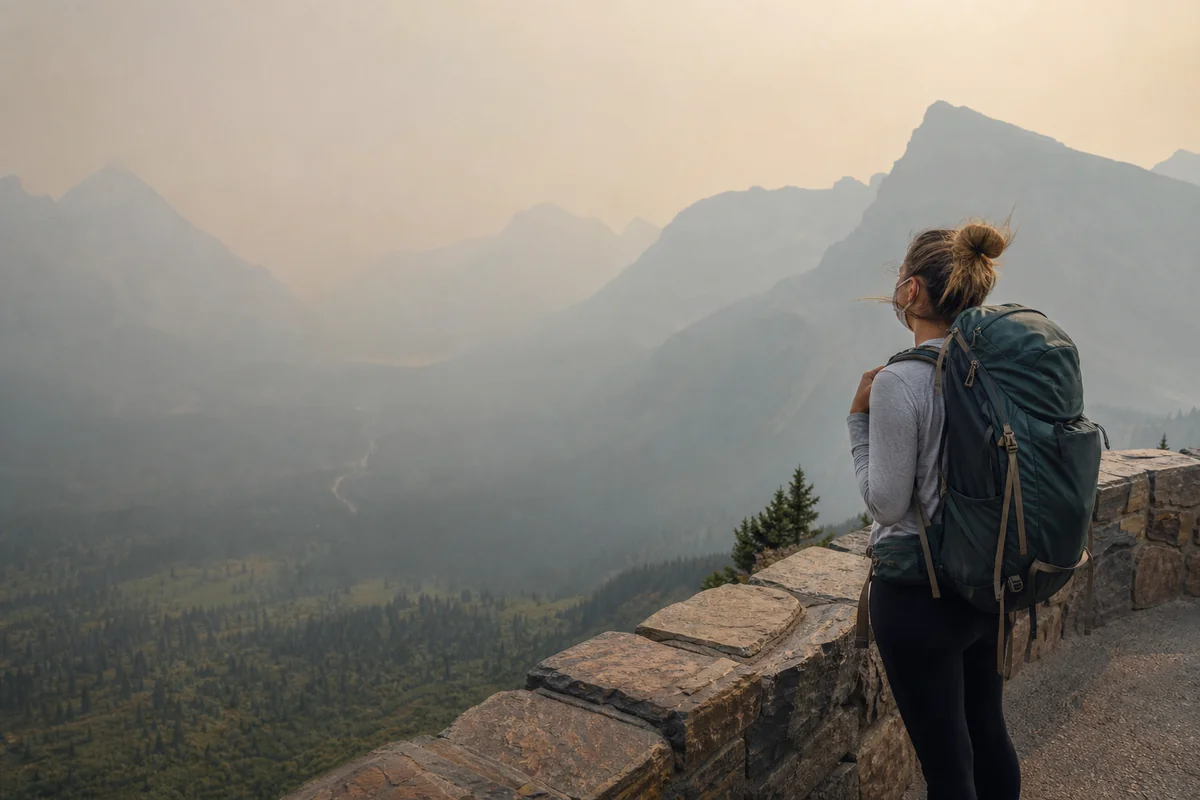
Finally, summer travelers should understand Montana’s air quality situation during wildfire season.
My Final VPN Recommendations
After years of Montana travel and testing various VPN services in challenging conditions, here’s my honest assessment:
If you want the best overall protection: Get NordVPN. It offers the best combination of speed, security features, and reliability that I’ve tested in Montana’s variable connectivity environment.
If streaming is your priority: ExpressVPN consistently delivers the fastest speeds and most reliable streaming access.
If you’re traveling on a budget: Surfshark provides excellent value, especially for families or groups who need multiple device connections.
If you’re not ready to pay: ProtonVPN’s free tier provides legitimate basic protection until you decide to invest in a paid service.
Whatever you choose, having some form of VPN protection is infinitely better than having none. That security alert I received in Whitefish could have been much worse if I hadn’t caught it quickly—and it wouldn’t have happened at all if I’d been using a VPN from the start.
Montana offers some of the most incredible landscapes and experiences in the United States. Don’t let a preventable security breach ruin your trip. A few dollars a month for VPN protection is a small price for peace of mind in Big Sky Country.
Frequently Asked Questions
Why do I need a VPN when traveling in Montana?
I always use a VPN in Montana because much of the state relies on public WiFi at coffee shops, hotels, and campground lodges, which can expose your personal data to hackers. A VPN encrypts your connection when booking accommodations, checking bank accounts, or accessing work emails from remote locations like Glacier National Park or Big Sky.
Do VPNs work in Montana’s remote areas with limited cell service?
VPNs work whenever you have an internet connection, but Montana’s vast wilderness areas often have spotty or no cell service at all. I recommend downloading offline maps and completing sensitive online tasks in towns like Bozeman, Missoula, or Whitefish where connectivity is reliable before heading into the backcountry.
What’s the best VPN for streaming while staying in Montana hotels?
ExpressVPN and NordVPN consistently work well for streaming your favorite shows after long days of hiking or skiing in Montana. Both services cost around $12-15 per month and reliably bypass geo-restrictions, which is helpful if you’re staying in remote lodges with limited cable options.
Are free VPNs safe to use during my Montana road trip?
I strongly advise against free VPNs while traveling because they often sell your browsing data and provide weak encryption. For a 1-2 week Montana trip, investing $10-15 in a reputable paid VPN like Surfshark or CyberGhost protects your credit card info when booking last-minute stays along the Going-to-the-Sun Road.
Can I use a VPN on Yellowstone and Glacier National Park WiFi networks?
Yes, and you absolutely should since national park visitor centers and lodges offer unsecured public WiFi that’s vulnerable to data theft. I install my VPN before arriving and set it to connect automatically whenever I join a new network inside park boundaries.
How much data does a VPN use on my phone while traveling Montana?
A VPN typically adds about 5-15% overhead to your data usage, which matters when you’re on a limited cell plan in Montana. If you’re concerned about data caps while driving Highway 2 or exploring the Missouri River Breaks, disable the VPN for basic browsing and only activate it for banking or sensitive transactions.
Which VPN works best for remote workers visiting Montana in summer?
NordVPN and ExpressVPN offer the fastest speeds and most reliable connections for digital nomads working from Montana towns like Whitefish or Livingston. I’ve successfully taken Zoom calls from Airbnbs near Big Sky using NordVPN, though I always test the connection before scheduling important meetings during peak tourist season from June through August.
Sources